Output Control
setup(), loop(), digitalWrite(), delay()
Stage 1 is where every Arduino journey begins. You will learn how a program is organized — setup() runs once, loop() runs forever — and how to turn outputs on and off with digitalWrite() and delay().
Skills you will learn
- Program structure: setup() and loop()
- Digital outputs with digitalWrite()
- Timing with delay()
- Controlling LEDs, RGB colors, and light patterns
By the end of Stage 1, you will have built 10 projects — from a simple blink to a mini light show!
10 projects in this stage
 1
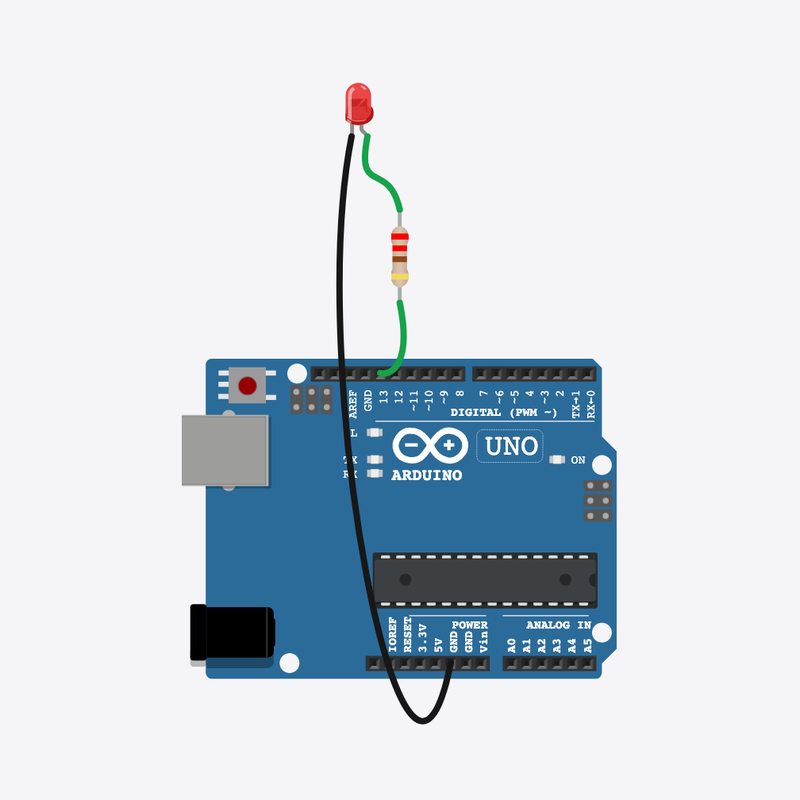
1Blink LED
setup() and loop() program structure
 2
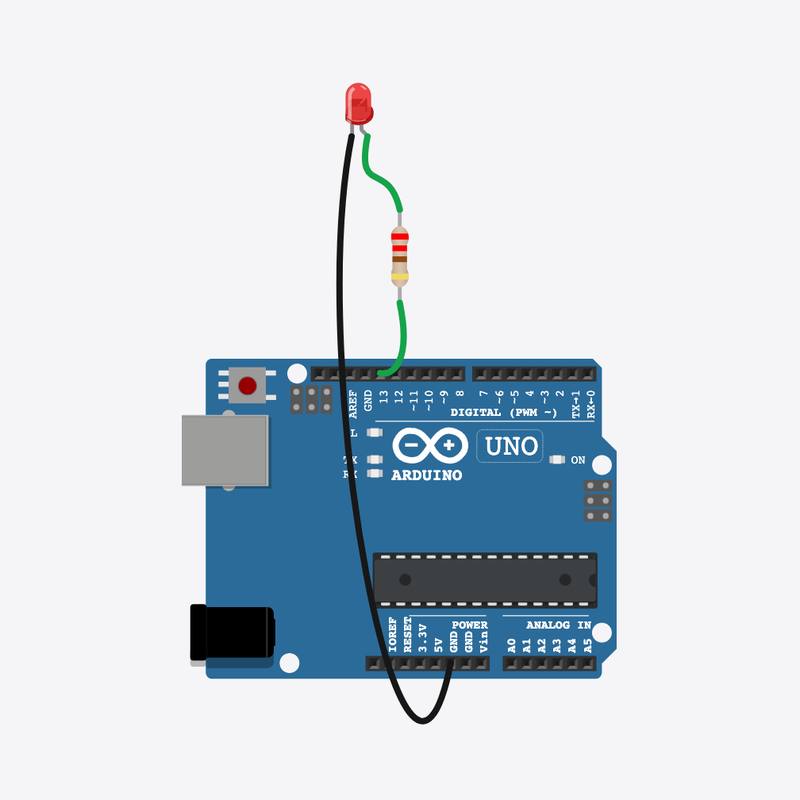
2Fast & Slow Blink
changing delay() values
 3
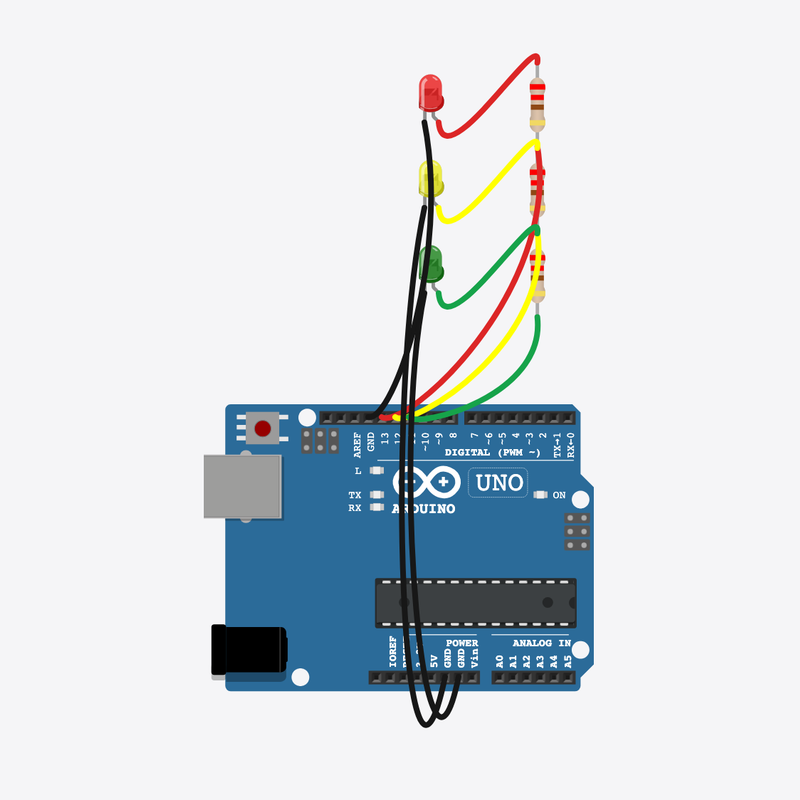
3Traffic Light
sequencing multiple outputs with timing
 4
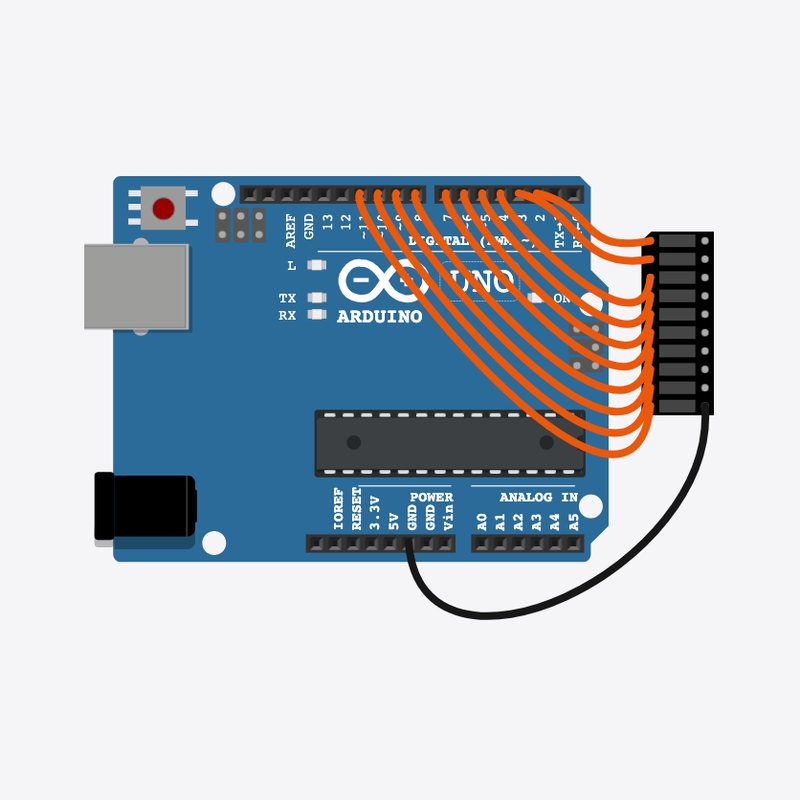
4LED Chaser
loop index drives a moving pattern
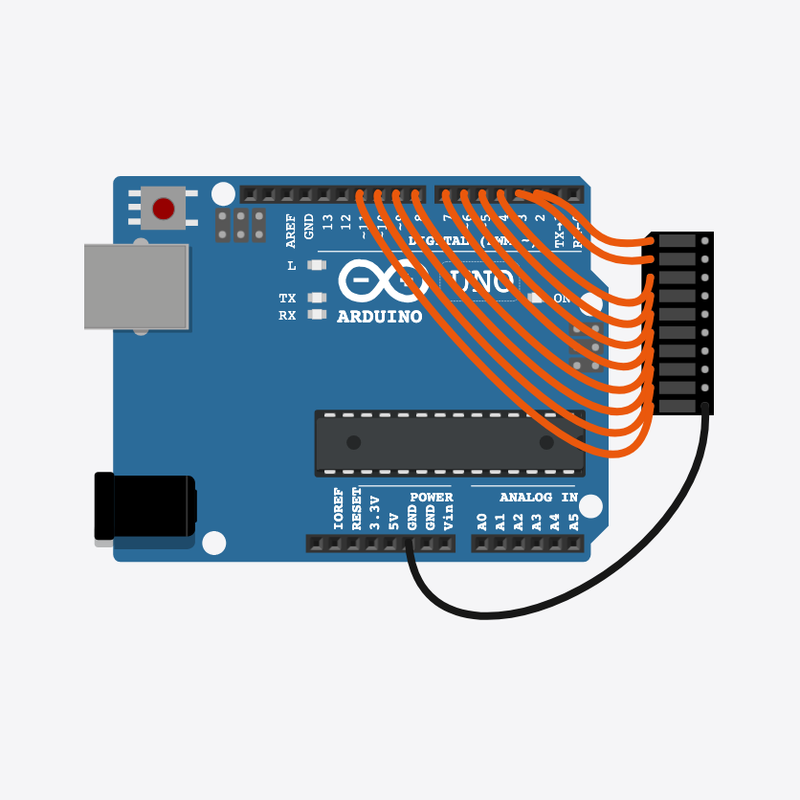 5
5Multiple LED Patterns
nested loops and pattern tables
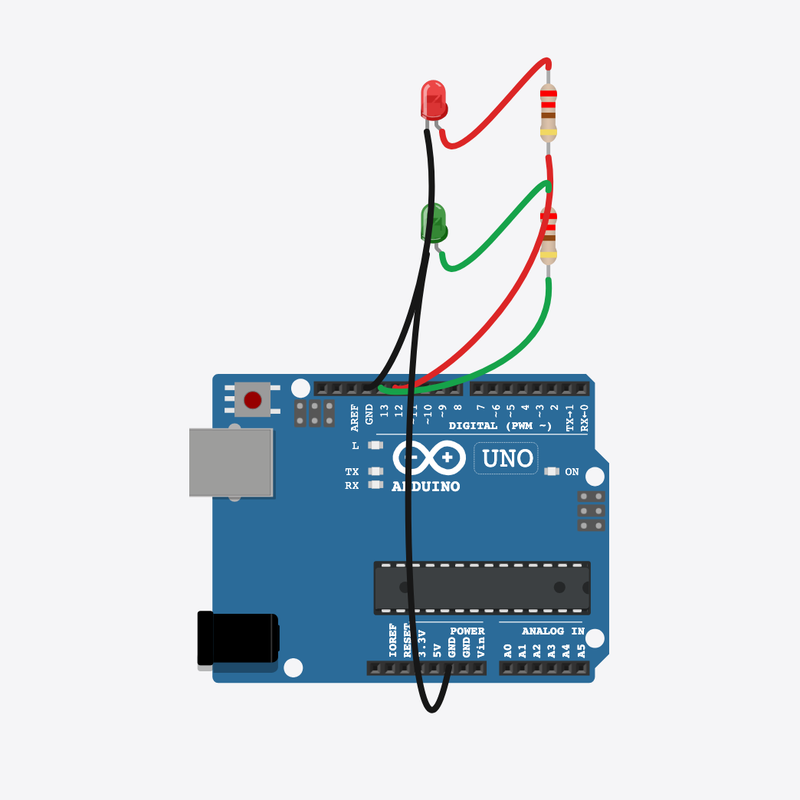 6
6Alternate LEDs
alternating output states
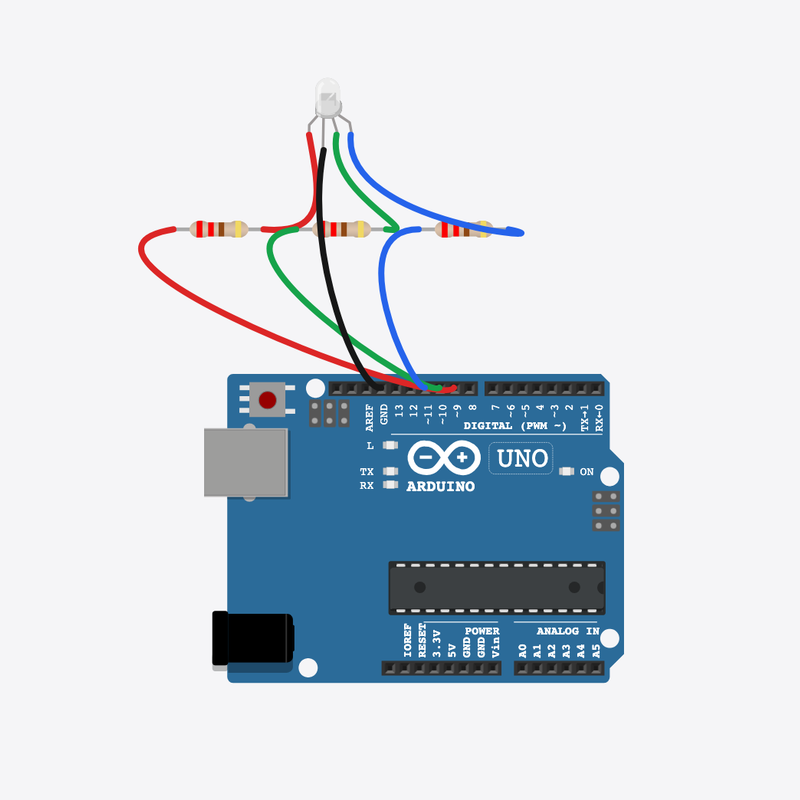 7
7RGB LED Basics
three digital outputs for RGB channels
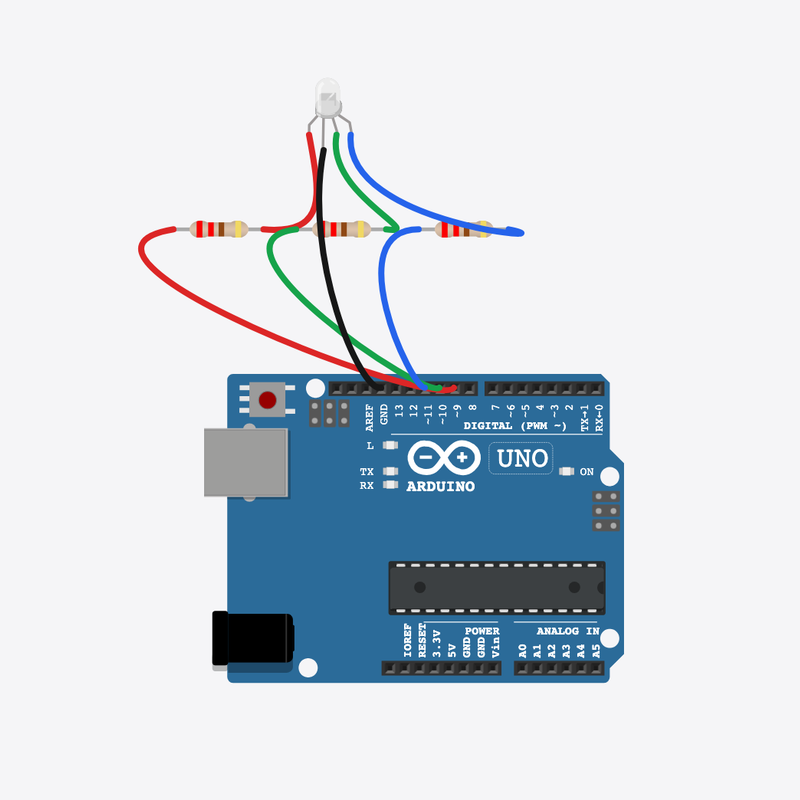 8
8RGB Color Mixer
combining channel values for colors
 9
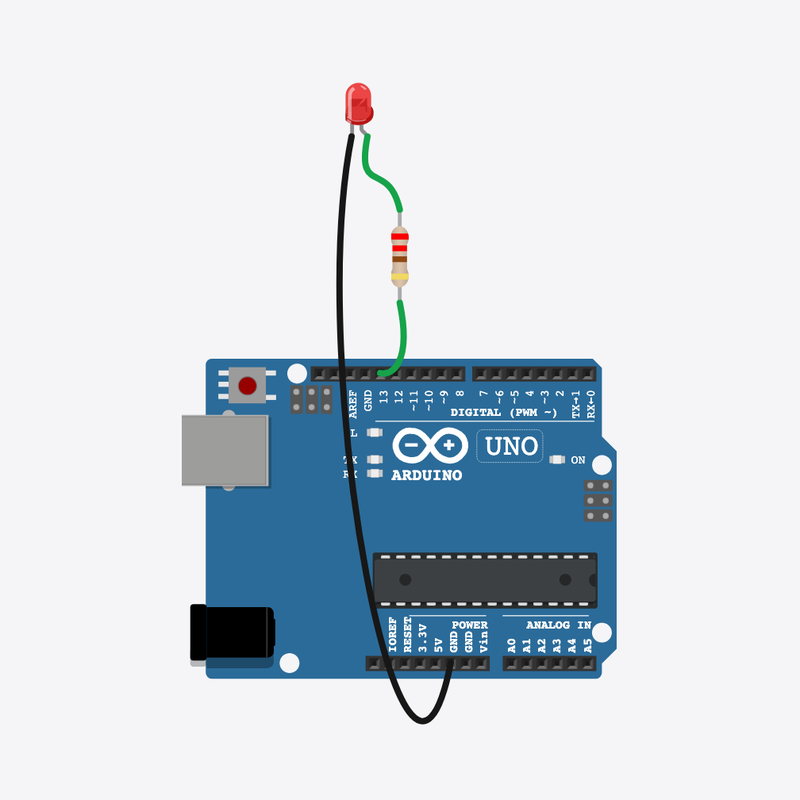
9Electronic Candle
flicker timing with delay()
 10
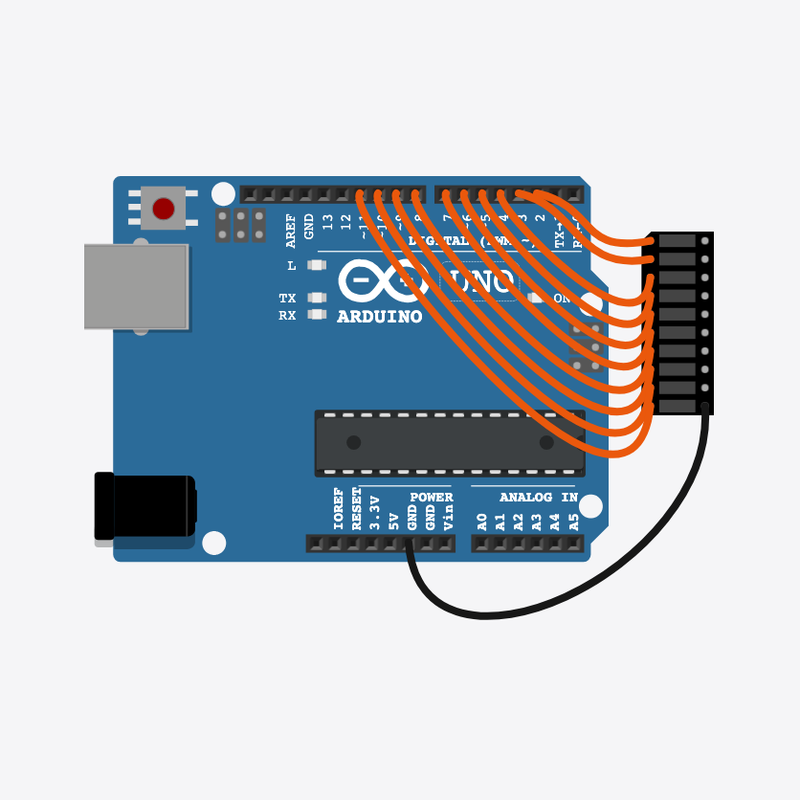
10Mini Light Show
timed show sequences