Runs your sketch
Arduino
Brain
Loading part…
random() within a range
Pick random numbers in a range with random() and store in a variable.
Surprise numbers every time!
random() picks a new value between minValue and maxValue — stored in pick each loop.
Games, lotteries, and simulations use random() so outcomes are unpredictable.
The problem
Fixed numbers are boring — you want a fresh surprise on every print.
Think of it like
Like drawing a card from a shuffled deck — you cannot guess the next one.
Runs your sketch
Arduino
Brain
Seed the generator
setup() uses noisy analog pin 0 so each run gets different random numbers.
randomSeed(analogRead(0));
Pick a random value
pick is a new variable each loop — random() uses minValue and maxValue as bounds.
int pick = random(minValue, maxValue + 1);
Print and wait
Show the surprise number, wait 1.5 seconds, then pick again.
Serial.println(pick);
delay(1500);
Then loop back to step 2
Follow these steps in order. Match the wires to the colors shown.
Place Arduino
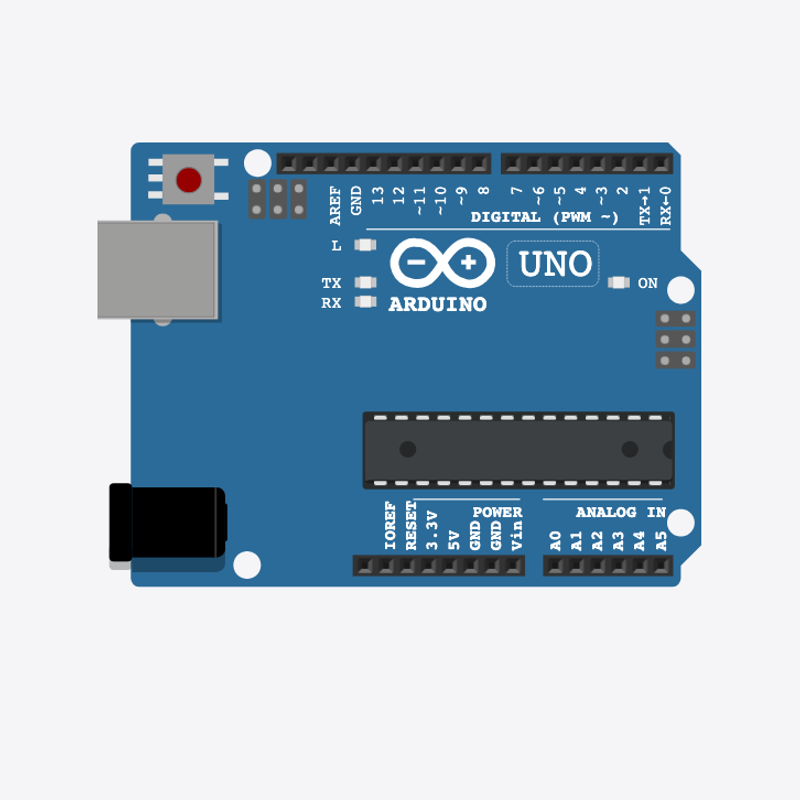
Place the Arduino (uno) on the breadboard.
Arduino placed!
Range variables
int minValue = 1;
int maxValue = 100;
minValue and maxValue define the range — change them to widen or narrow picks.
Seed in setup()
  Serial.begin(9600);
  randomSeed(analogRead(0));
  Serial.println("Random generator 1–100");
}
randomSeed() in setup() makes each power-on produce a different sequence.
Pick and print
  Serial.print("Random: ");
  Serial.println(pick);
  delay(1500);
}
loop() creates pick, prints Random: N, waits, repeats.
int minValue = 1;
int maxValue = 100;
void setup() {
  Serial.begin(9600);
  randomSeed(analogRead(0));
  Serial.println("Random generator 1–100");
}
void loop() {
  int pick = random(minValue, maxValue + 1);
  Serial.print("Random: ");
  Serial.println(pick);
  delay(1500);
}
Q1. What is a variable?
Q2. Why call randomSeed(analogRead(0)) in setup()?
Pick smaller numbers — change int maxValue = 100 to int maxValue = 50.
Hint: Line 2.
Print new numbers faster — change delay(1500) to delay(800).
Hint: Line 14 in loop().
A line-by-line tour of the sketch — the same steps as in Robo Gurukul Studio.
Program overview
Technical
Sketches have globals, then setup() once, then loop() forever.
In this project
Pick random numbers in a range with random() and store in a variable.
Why here
Read from top to bottom. Hover words or lines for help!
int minValue = 1;
int maxValue = 100;
setup()
Technical
Runs one time when the board turns on.
In this project
Sets up pins and libraries for Random Number Generator.
Why here
One-time setup belongs here—not in loop().
void setup() {
  Serial.begin(9600);
  randomSeed(analogRead(0));
  Serial.println("Random generator 1–100");
}
loop()
Technical
Runs again and again after setup() is done.
In this project
This is the main action you see in Random Number Generator.
Why here
Repeating work (blink, read sensors) goes here.
void loop() {
  int pick = random(minValue, maxValue + 1);
  Serial.print("Random: ");
  Serial.println(pick);
  delay(1500);
}
Try this: Change numbers in loop(), then compile and run the simulator.
analogRead
Technical
Reads a sensor number from 0 to 1023.
In this project
Turns a sensor signal into a number for Random Number Generator.
Why here
Goes in loop() to keep checking the sensor.
randomSeed(analogRead(0));
delay
Technical
Waits for some time. Nothing else runs during the wait.
In this project
Controls speed so you can see Random Number Generator in the simulator.
Why here
Right after an action that should stay the same for a moment.
delay(1500);
random
Technical
Picks a random number in a range.
In this project
Adds randomness in Random Number Generator.
Why here
In loop() when you want different values each time.
int pick = random(minValue, maxValue + 1);
begin
Technical
Starts talking to the computer screen (serial monitor).
In this project
Lets Random Number Generator print debug messages.
Why here
Goes in setup() once before any Serial.print.
Serial.begin(9600);
Technical
Sends text to the serial monitor without a new line.
In this project
Shows values from Random Number Generator on the screen.
Why here
In loop() or setup() when you want to see what the board is doing.
Serial.print("Random: ");println
Technical
Sends text to the serial monitor and starts a new line.
In this project
Prints one line of output for Random Number Generator.
Why here
In loop() when each reading should appear on its own line.
Serial.println("Random generator 1–100");